


Solar MD (Pty) Ltd.
- Home
- Companies
- Solar MD (Pty) Ltd.
- Products
- Solar MD - Model SS4074 - Advanced ...
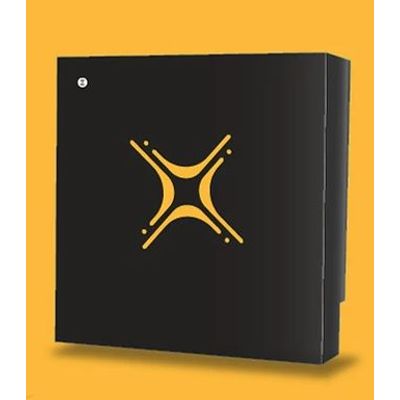
Solar MD - Model SS4074 -Advanced Lithium-Ion Battery
The SS4074 uses Lithium Iron Phosphate cells for its streamlined energy storage. The flexible modular design enables it to be set up with multiple batteries. Capacity can be increased through a parallel connection of the batteries.
Most popular related searches
lithium iron phosphate
lithium-iron phosphate battery
lithium battery
energy storage
off-grid energy
lithium ion battery
battery inverter
battery capacity
UPS system
energy demand
- No more load shedding
- Save on electricity costs
- Safe and reliable – switch on and forget
- Keep your important loads running at all times
- Go off-grid
- No refuelling
- Silent and emission free
- It’s a flexible solution for both small configurations and mid-sized configurations
- It supports both parallel connections and CAN communications
- A modular design
- Very easy to install
- A universal Wall-mounted system
- Residential PV Installations for household energy demands
- Residential and commercial UPS systems
- Used with the addition of an external battery inverter
- Off-Grid energy system
- We use the standard SS4037 battery all over the African market for energy storage applications
- We produce the battery with the world-leading LiFeP04 technology
- Excellent safety
- High-temperature performance
- Long life cycle
- High energy density
- Stable discharge platform
- High charge & discharge rate
- Highly efficient
- The SS4074 relies on Lithium Iron-Phosphate battery for streamlined energy storage. You can use 1 to 6 batteries on the wall during the setup. The Solar MD 7.4kWh features different storage capacities according to user requirements. We can increase capacity through parallel connection of the batteries. This will enable you to use from 7.4kWh to 22.2kWh per setup.
- Advanced indication functionality allows the user to choose between 5 different states. It also allows mixed combinations when a combination of multiple batteries with BMS-EM v10.01 are used. The user can change the preferred stage by logging into their mypower24 Energy Portal and proceeding to the battery settings.
- When this state has been selected the button will show a static illumination in a colour based on the state of charge. From RED at 0% SoC (State of Charge) to GREEN at 100% state of charge.